What to prepare before hiring a website designer
So you’ve decided to finally do it - hire an expert to design the oh-so-important website for your business. That’s great! Your website is so often the first thing any customer sees of you and can decide in seconds whether you get a sale, a reader, or a lead.
A website designer’s job is to bring you long-term business through a site that is clean, efficient, easy to navigate, and clear in its purpose. This looks different for every single business, and that’s why having a fully customized website is the best possible thing to show your clients who you are and what you can do for them.
Okay, so you understand all of that and have found a great designer you want to work with - you’ve sent in your inquiry, budgeted your expenses, and are ready to hand everything over and await the link that will transform your business, your life, the entire world.
But there is a bit more to it than that. There are a lot of things a web designer will need from you to make an amazing website. If you give a chef stale ingredients, mis-matched ingredients, or no ingredients at all, how are they to make the vanilla-infused red velvet cake with a perfect portrait of your face exactly to your imagined specifications?
Before your first meeting with a website designer, here are some things you should think about, prepare, and have answers for.
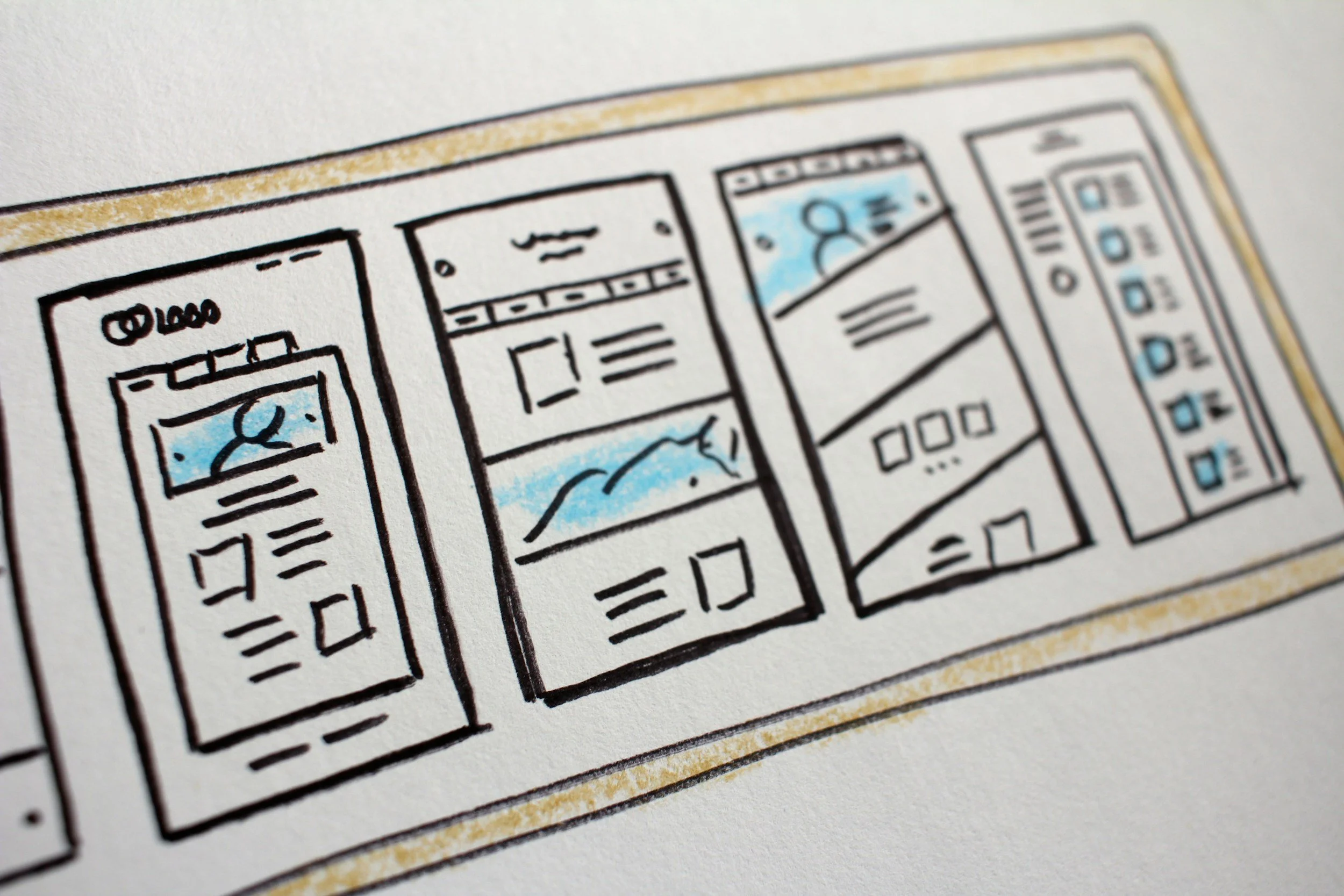
Questions to Contemplate
What is the goal of your website?
First you need to decide what you want your visitors to do when they get to your website. What is the ideal goal? Here are some common ones:
Subscribe to your email list
Buy one of your products
Schedule a meeting with you
Fill out a contact form
Scroll through your blog posts
Click on affiliate links
Every page on your website will point in some way toward the action item you want your visitors to pursue. It is crucial that your website designer understands this goal so they can direct traffic to the right pages and actions.
Do you have a domain name?
Your domain name is the name or address of your website. Examples: johnsmith.com or colorswatches.org
If you already own your domain name, you will need to tell this to your website designer, as well as what platform you own it through. If you own the name through the same platform that your website will be designed on, that’s great! If not, don’t worry, domain names can be transferred or connected from third-party platforms, but it can take a bit of time, so a web designer should know this up front to get the process started.
If you don’t own a domain name, I suggest locking it down before you even start with the web design. If your website will be hosted on Squarespace, I suggest buying your domain through Squarespace. Domain names only cost $10-20 a year, so it’s usually worth buying the name you want even if you aren’t 100% ready to publish a site yet.
What pages will your website need to include?
This is something you can discuss with your website designer, but you should have an idea of what pages your site will need. Pretty much any site of any kind will need a Home, About, and Contact page. Your clients should be able to see what you do, learn a bit about the person/people behind the brand, and contact you.
Beyond those basic pages, the possibilities are endless. If you sell products, you will need a Products page. A Services page can show packages for consulting, photography, design, etc. A restaurant will need a Menu page, an artist a Portfolio page, a blogger a Blog page. Here is a list of possible pages:
Home
About
Services / Prices
Portfolio
Products
Shop
Blog
Menu
Our Team
Events / Calendar
Membership
Contact
You don’t need to have your whole website laid out before you meet with a designer, but you should know the absolute essential pages that your business will need.
How do you want customers to contact you?
Opening a channel for communication with your clients is so important no matter what you do. Even if you blog or sell physical products, readers and customers should be able to get in touch with you. Tell your web designer how you want your clients contacting you. If you have multiple channels of communication, choose which ones are the highest priority so they can be more strongly featured on the site.
List your email/phone: this is the simplest set-up, just list your contact details on your Contact page and/or the footer of your website. This requires the most work from your visitors, however, as they will need to copy your contact details and open up their email or pick up their phone.
Contact Form: contact forms are a common and great way to get more details from your clients and make things quicker and simpler for them. You can add as many question fields as you want to these forms, which can help weed out spam and inform you of what your client needs before directly speaking with them.
Calendar Booking: if you want customers to directly meet with you, a calendar booking integration is a great way to cut out the middle step of emailing to set up a call. You can either have a booking system set up through your website host, or link an external booking software like Calendly.
What is your branding and style?
Some website designers offer branding packages as well, but if you already have your branding, you will need to give all of that information to your website designer. Prepare a brand style guide if you have one, or create a document that lists your brand’s color codes, font styles, logos, and general aesthetic.
If you don’t have any of this decided, either talk to your website designer about possible branding design packages or set up your branding yourself before proceeding with a website design.
Do you need any external integrations?
External integrations can make a website far more powerful, but also far more complex. We are going to focus on Squarespace here, because the world of Wordpress plugins could fill multiple textbooks.
Some integrations made easy through Squarespace include: email lists, shipping providers, print on demand services, QuickBooks and other accounting software, and many forms of analytics to track SEO and website statistics.
If there is an external account associated with your business that you think could work well with your website, ask your web designer if it can be integrated! If there is no direct connection available, there are still options to include links, buttons, even main menu headers that go to external sites like an Etsy Shop.
Content to Prepare
Text
Depending on you and your designer, some text can be left to the discretion of the designer, like section headers and page names. Of course, you can decide on these for yourself, too, if you know what you want.
Body text on pages, however, will always need to be provided by you. This includes things like your mission statement, the text on your “About Me” page, testimonials, outlines of your services offered, the story of your business, explanations of your products, etc.
Have a general outline of what titles, words, paragraphs, and descriptions you want on your website and ask your designer if they need or suggest anything more.
Logos
Logos get their own special category. Having a high quality logo that matches the colors and design of your site is crucial. Your web designer will likely use your logo as a basis for the aesthetic of the whole site, especially if you don’t give them a comprehensive style guide.
Make sure you have high resolution files of your logos in at least these formats: colored logo with white background, colored logo with transparent background, white logo with transparent background.
The more the merrier. If you have square and horizontal versions, a type only and an icon version, give them all to your website designer.
High Quality Images
The images on a website truly transform the quality and professionalism of the entire site. A well-designed site with grainy, run-of-the-mill photos will look dingy and unprofessional. A poorly-designed site with stellar photography might actually look pretty okay. A well-designed site with stellar photography is a true recipe for success.
However, there are a lot of rules when it comes to what images you can and cannot put on a public website. You cannot use any copyrighted content on your site. Your website designer will know this, and may offer to source some public domain images for you, but here are some ways for you to source your own images:
Public domain images: use websites such as Pexels, Pixabay, Unsplash, Canva, or Adobe to source free images; you can also do a Google Images search with the ‘public domain license only’ filter applied, but be careful.
Take your own photos: organizing a photoshoot for your business is truly the best way to get original, specific to you, high quality, and entirely legal images for your website. Hire a photographer or do a photoshoot yourself!
Licensed images: some images in the websites listed above are only available for use if you purchase a license. A license can range from a few dollars to $100 or more depending on the image. These images can be higher quality than the free ones, and are less likely to be seen on multiple websites.
Images You Should Include:
Logos: (detailed above)
Headshots: let your clients know that you are real people
Images of your business: your building and workspace interior, your business’s operations and products, work you’ve done (photography, art, books, designs), etc.
Products for sale: if you have a products page or shop, include high quality images of the products you manufacture and sell
Generic themed photos: high quality stock images can look great on a website when used smartly and intentionally: images of people working in your industry, a frustrated woman in need of coaching, an artfully laid out spread of photography equipment, etc. Just make sure you are not passing off stock images as being part of your business (showing a building interior of a similar business that isn’t your own for example).
External Links
Last but not least, give any links associated with your business to your designer. This includes all social media links, email list links, calendar booking links, external shop links, anything you want linked in text - make a list of every URL you want your customers to have access to and send it to your web designer.
A lot goes into designing a high quality website. Hiring a designer can be a great option to get a functional and professional site, but remember that you play an important role in the success of your website, too. Have a clear goal and high quality images, logos, and content. Come to your website designer prepared, and you can have your dream website in no time!